Faster, smarter model building experience with Haskoning Witness 28

The latest updates to Witness deliver one of the most significant user experience refreshes in years.
It starts with a rebranded Startup page and progresses through improved layout interactions treating the space as a canvas. We have modernised icons, and simplified visual styling and object interaction. This release is all about making model building faster, smoother, and more enjoyable.
Below is an overview of the new features and improvements now available.
A Fresh Start: New Start Page & Startup.mod and Streamlined Screen Layouts
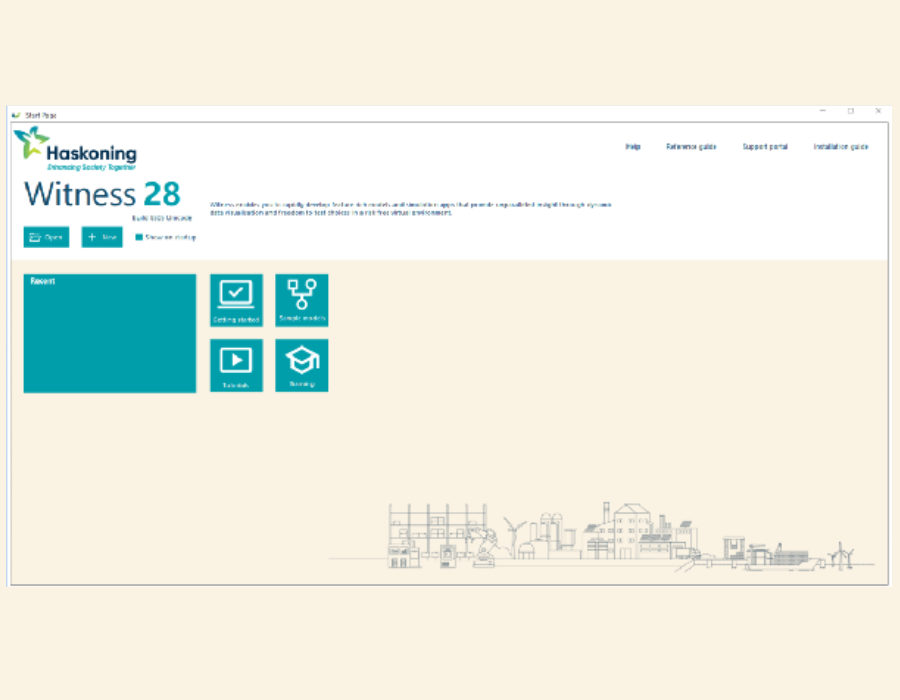
The first thing you’ll notice is a rebranded Start Page and a refreshed Startup.mod.
This updated entry point is designed to get you modelling quickly, still providing clear access to recent models, learning resources, and common actions. It’s a cleaner, more modern welcome to Witness.
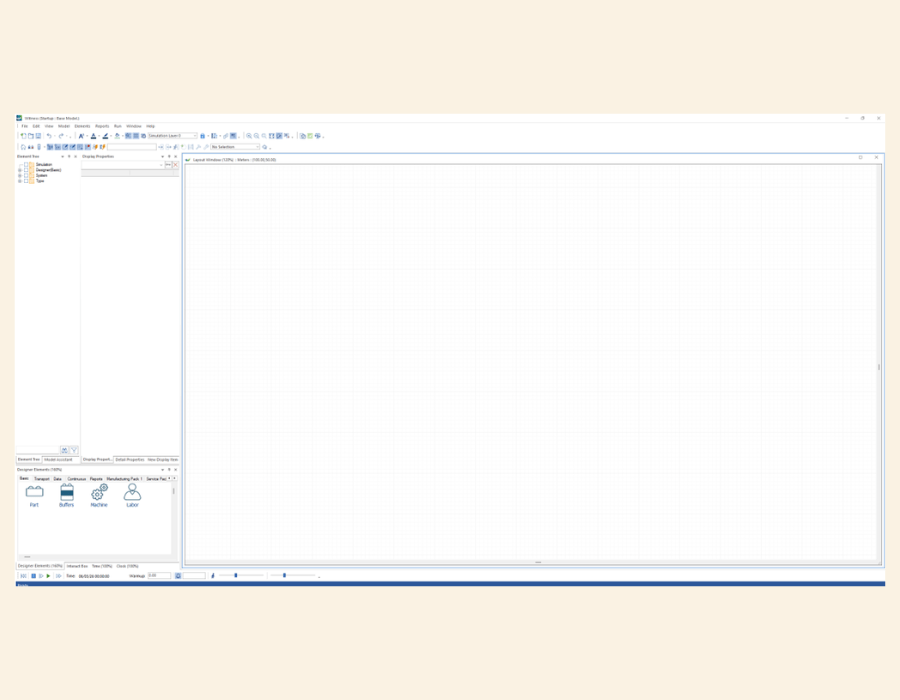
We’ve also refined the pane-based screen layout to make the interface more intuitive and consistent:
Default Pane Layout
A more predictable arrangement of the screen components reduces mouse movements between the frequently used areas while still letting you organise your workspace exactly how you like it.
Grid Colours
More subtle grid colours continue to provide guidance while reducing distraction, making placement and alignment easier on the eyes.
A Better Layout Experience
The layout window is where much of the modelling magic happens, so we’ve focused on making it more fluid and more informative.
Default to Canvas Centre
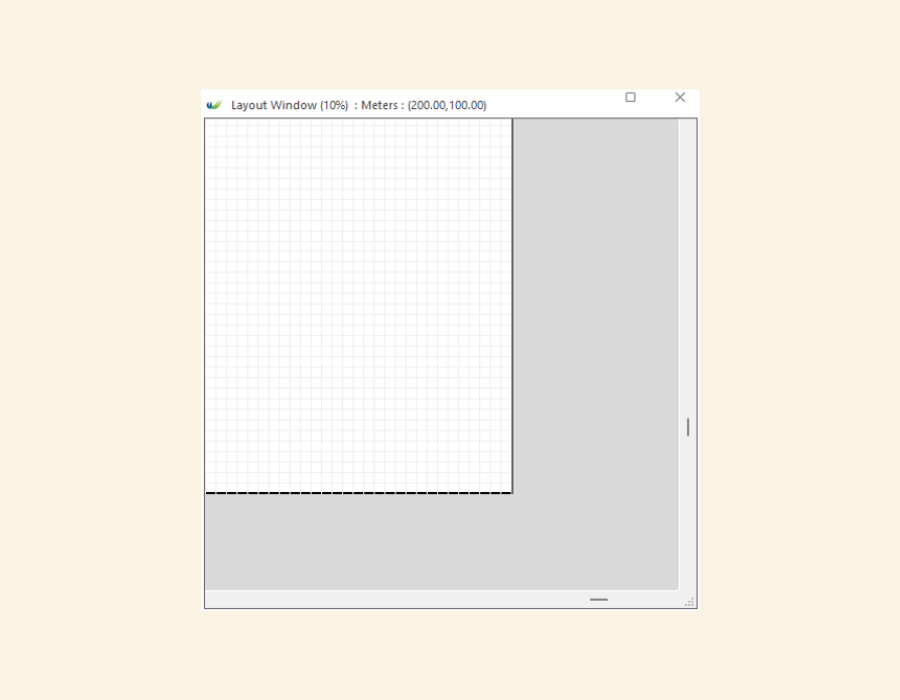
The default opening position is now at the centre of the canvas, making zooming, alignment and layout far easier in any direction.
Unusable Areas Highlighted
Non‑usable regions around the edges of the canvas are now clearly shown, so you always know the true modelling bounds.
Improved Panning
You can now pan the canvas using both middle and right mouse buttons.
And yes—you can pan while dragging objects, helping you place elements precisely even in larger models.
Better Zooming
- Zoom to pointer: zoom exactly where your cursor is.
- Zoom to centre: ideal for keyboard‑centric workflows.
Designer Element Improvements: Sizes, Layouts, and Lengths
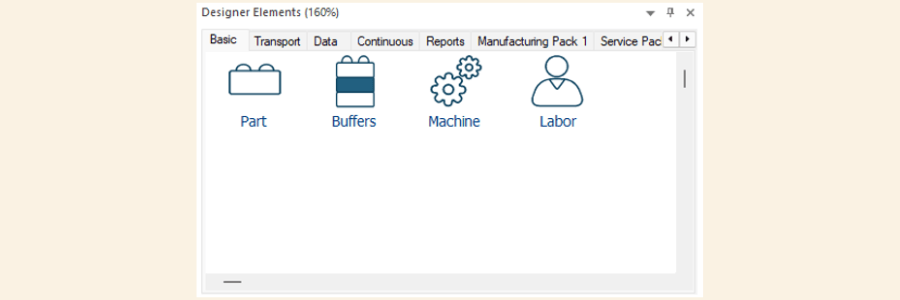
The Designer Elements now have clearer icons in the Designer Elements palettes. The elements they create have more consistent element sizing and layout controls. Length controls across objects have been standardised, matching graphical sizes with Detail definition, allowing more predictable behaviour during layout and alignment tasks.
Modern Visual Style: Icons & Object Handles
Icon handling has been updated, giving the environment a sharper, more contemporary feel.
Redesigned object handles – boundary and rotation - are more responsive and easier to see.
Key improvements include:
- Resize without keyboard modifiers – Just drag a handle to resize. Drag now moves the object when the cursor is over the main body of the object and resizes when it’s over a handle.
- Shift & Resize – Locks aspect ratio for proportional scaling.
- Ctrl & Resize – Locks the object’s centre in place during resizing.
These improvements significantly reduce the friction associated with layout adjustments, more in line with other familiar applications.

Model Appearance Options
Clarity and readability are crucial when dealing with complex models. Updates to the colour theme give Witness a more contemporary feel.
Model Foreground & Background and Text Colours


The overall colour scheme matches Haskoning brand standards and State colouring has been modernised.
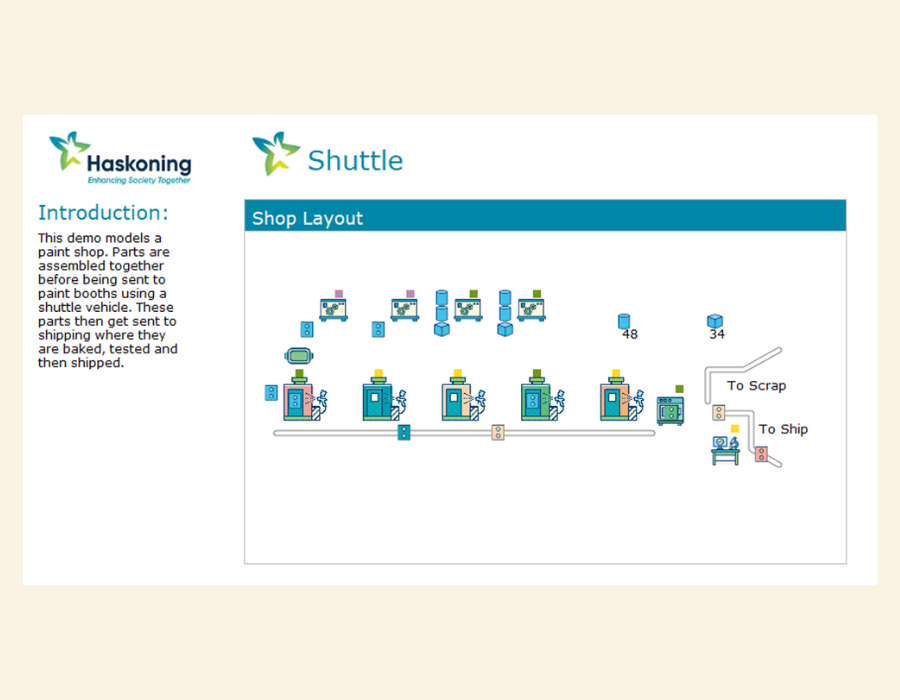
New Demo Model Appearance
Our demo models now showcase all the updated visual styles and iconography, giving new users a much clearer - and more aesthetically modern - example to learn from.
The refreshed look highlights the potential of well designed Witness models.
Backdrop When No Object is Selected
To help with focus and reduce accidental the need for mouse clicks, Witness now selects the Backdrop element whenever no object is selected, meaning new Display Objects can always be created. It’s a subtle improvement but one that simplifies workflow.
UX Improvements for Text
Placing a new Text display object now contains the word ‘Text’ so that its placement is clear.
A More Productive Witness Experience
This release represents an overall refresh of the Witness user experience.
Whether you’re building large scale systems or quick prototypes, these improvements are designed to help you work faster, navigate more easily, and create clearer, more professional models.